

Ready for us to get to work on your website? Signing up takes about two minutes, and all you need is your email address.
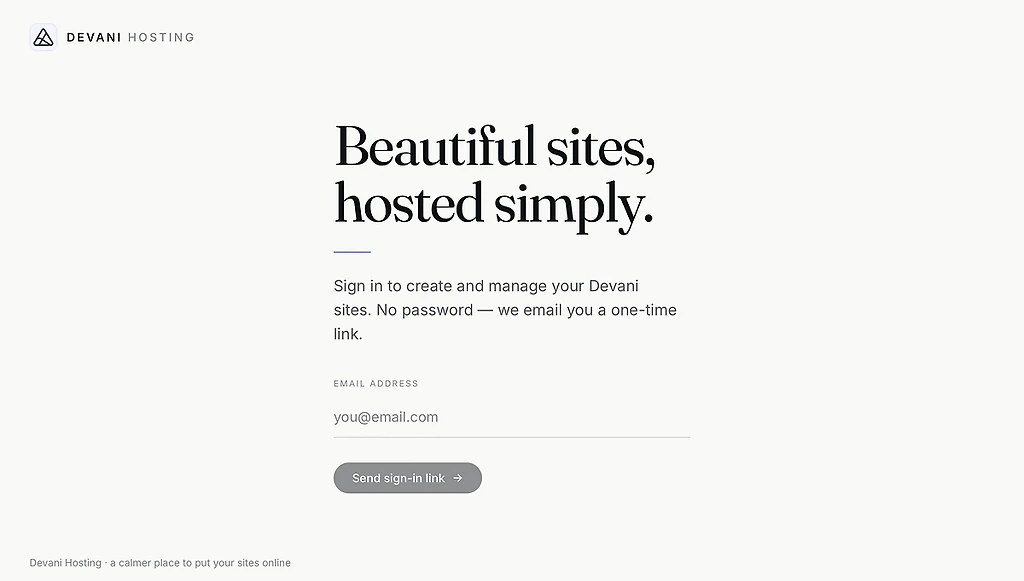
Step 1: Log in with your email
Go to app.devani.io/login and enter your email address.
If we contacted you by email, your account is already connected to that address. If we reached you another way, no problem: use the same email you filled out the form with, and we'll find you.
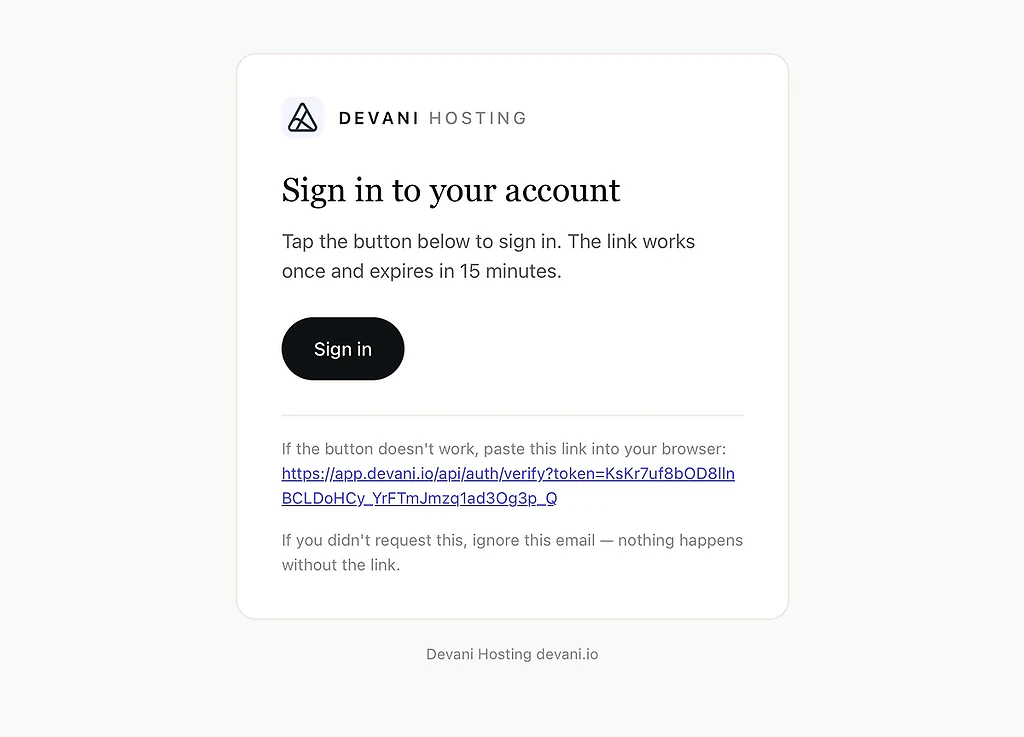
Step 2: Click the magic link
We'll email you a login link. No password to invent or remember: click the link and you're in.
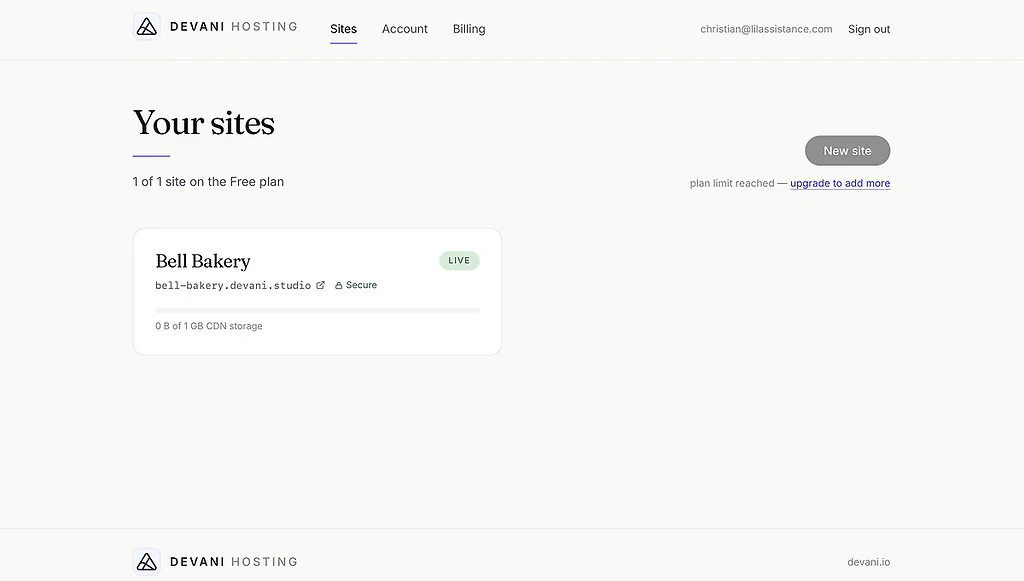
Step 3: Open Billing
Your new website is already waiting in your dashboard. Click Billing in the navigation.
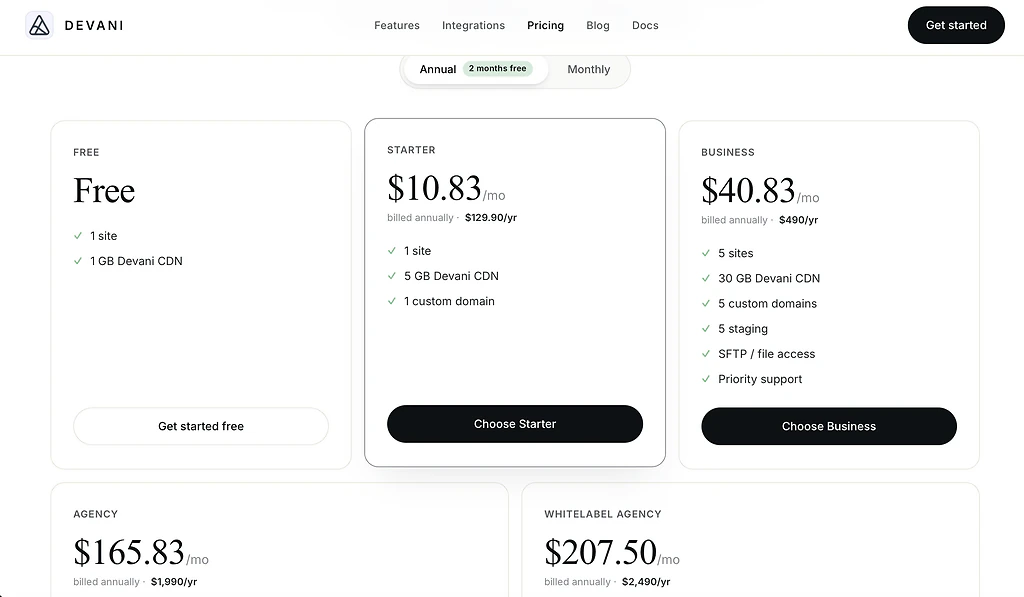
Step 4: Pick any paid plan
Any paid plan covers the work you chose on the form, including the Starter plan.
What happens next
We're notified the moment you sign up, and your project goes into the queue. Most are finished within 2 business days; complex ones can take up to 7 days. If we need anything from you, we'll reach out.
If you asked for a full redesign from scratch, we'll also send you a short design questionnaire so our team starts in the right place.
Questions?
Reply to any message from us, or write to [email protected]. A person reads every message.