
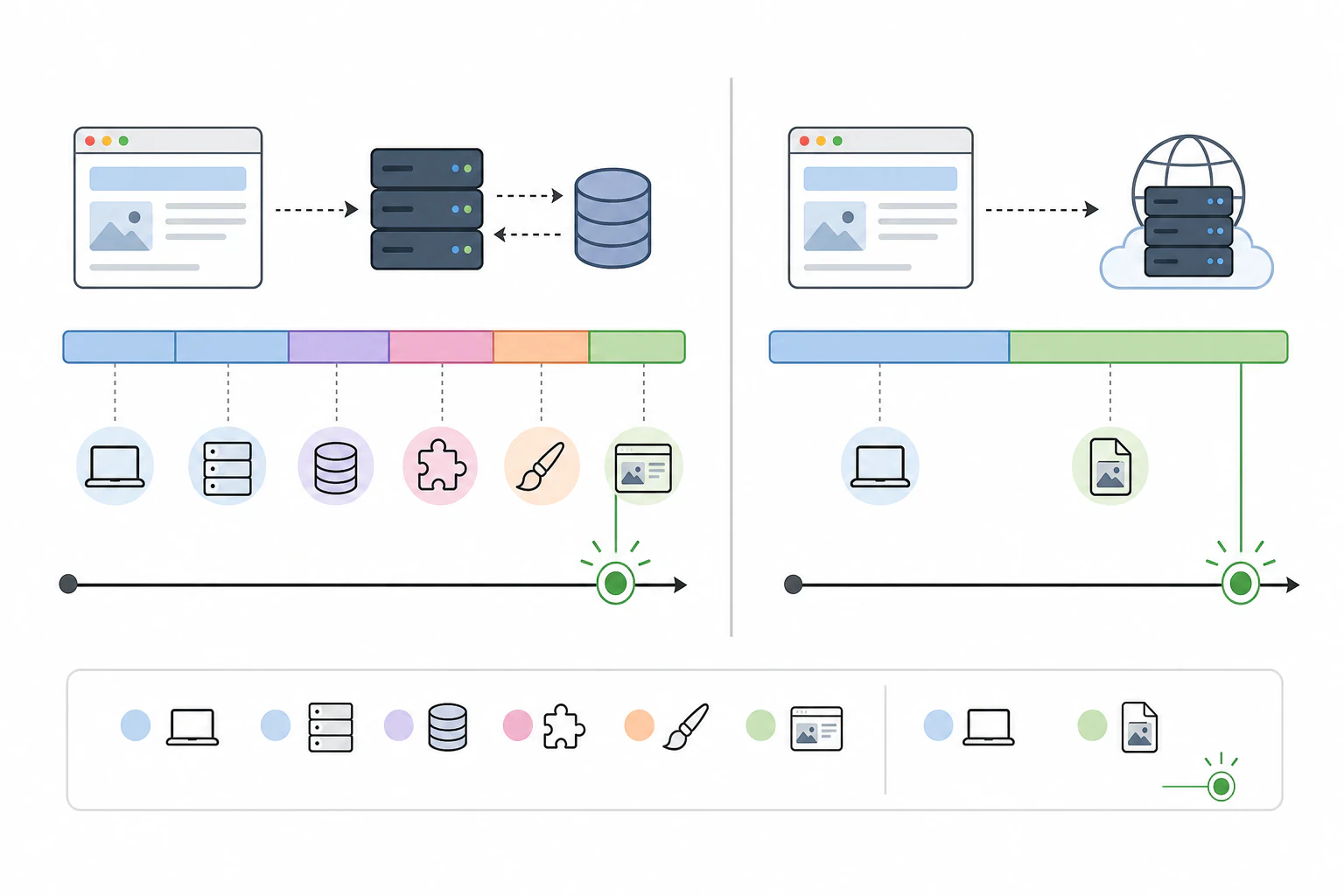
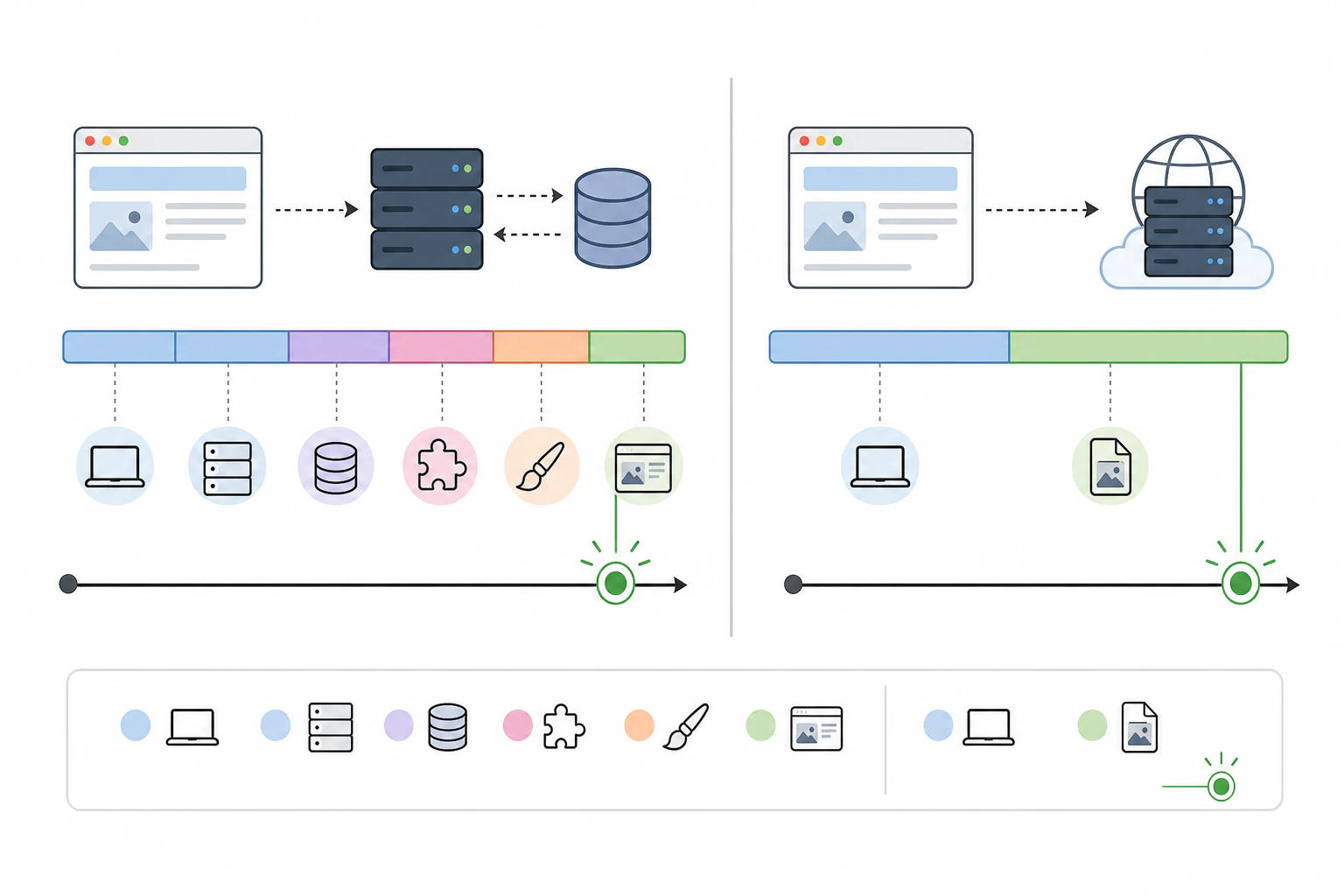
Speed and zero upkeep, against control you have to earn.
Choose an AI website builder if you want a site live today with nothing to maintain, and choose WordPress if your site hinges on one specific plugin or the deepest customization available anywhere. For most small-business sites, portfolios, and landing pages, the AI builder wins that trade, and it isn't close on speed: minutes to a working site instead of the day or more a real WordPress build takes. The part most of these comparisons skip is that "AI builder" isn't one thing. Most are closed, rent-forever platforms that generate a decent site and then quietly wall off the SEO plumbing and the code underneath. Devani, the free and open-source CMS running this blog, is the AI-native builder that doesn't, and that gap is what the rest of this comparison is actually about.
AI website builders
Live in minutes, walls you can't always move.
- ✓ The fastest path from an idea to a published site
- ✓ Hosting, updates, and security handled for you
- × You build inside the builder's templates and its ceiling
- × Most are closed and rented: shallow SEO, hard to export
WordPress
Total control, if you own the upkeep.
- ✓ More than 60,000 plugins for almost any function you can name
- ✓ Deep SEO control and full ownership of your files
- × You're the permanent maintainer: updates, patches, plugin conflicts
- × Days to build, and a real learning curve before you start
Devani
AI-built and open-source, without the walls.
- ✓ Built with AI in 10 to 15 minutes, live in under a minute on the managed free tier
- ✓ Database-free static files: near 100/100 Lighthouse, with per-page schema, sitemaps, and meta built in
- ✓ MIT-licensed and self-hosted: export your HTML any time, no lock-in
- × No 60,000-plugin marketplace; a load-bearing niche plugin still belongs on WordPress
What the choice actually turns on.
Strip away the marketing on both sides and the decision lands on a handful of concrete tradeoffs. Here's what each one really costs you.
Time to launch
An AI builder generates a full draft site from a prompt in minutes; some are published within the hour. A real WordPress build means buying hosting, installing core, choosing a theme, adding plugins, and configuring all of it, which is a day of work at best and often several. This one isn't a close call, and it's the whole reason AI builders exist.
Maintenance and security
A hosted AI builder has nothing for you to patch. WordPress asks the opposite: core, theme, and plugin updates on a regular cadence, plus PHP upgrades and backups, and skipping them is how sites get hacked. Nearly every WordPress break-in traces back to an outdated plugin or a weak password, not to core itself. That job never ends, and it's yours.
SEO you can actually reach
WordPress gives you surgical access: schema markup, canonical tags, a dynamic sitemap, redirects, and page-level meta through Yoast or Rank Math. Most closed AI builders hand you a title and description field and lock the rest away, so ranking-critical structured data is out of reach. If organic search drives your leads, that shallow control is a genuine reason to stay on WordPress, unless the AI builder exposes the plumbing.
Customization and ceiling
WordPress bends to almost anything given enough plugins and patience: membership tiers, booking logic, multi-location inventory. An AI builder gets you 90 percent of a clean site fast, then you hit the wall of what it will let you change. The honest question is whether your site ever needs to do something unusual, or whether it's a marketing site that mostly needs to load fast and read well.
Hands-off speed and deep ownership aren't opposite ends of one slider.
Almost every version of this comparison frames it as a straight tradeoff: pick the AI builder and you get speed but rent a closed box you can't fully control, or pick WordPress and you get ownership and SEO depth but sign up to be the site's permanent mechanic. Both halves of that are true of the platforms most of these articles test, because the AI builders they test are proprietary SaaS. You generate a site, you pay monthly, and if you ever want to leave you discover the export button either doesn't exist or hands you a tangle you can't reuse.
That tradeoff is real, but it's a property of those specific products, not of the idea of building with AI. Devani was built to sit in the gap it leaves. It's genuinely AI-native, so a working site comes together in 10 to 15 minutes and goes live in under a minute on the managed free tier, which is squarely in AI-builder territory on speed. But it's also MIT-licensed, self-hosted, and database-free, so you own the files, you can export clean HTML or Markdown whenever you want, and the SEO controls a WordPress user expects, schema, sitemaps, canonical handling, per-page meta, and 301 redirects, are all built in rather than fenced off. You aren't trading ownership for speed. You get both, and the honest cost is a smaller ecosystem, which is the next section.
The tradeoff every comparison names is real for the closed builders they test, not for the whole idea of building with AI.
The fast part you can actually check.
"AI builders are fast to make" and "the site they make is fast to load" are two different claims. The first is true of the whole category; the second is not.
A generated site is only as quick as what the platform renders. Many AI builders and hosted page builders ship a heavy front end: a cold, cache-busted PageSpeed run on a typical hosted builder site often lands in the 60s on desktop and drops into the 40s or 50s on mobile, which is the number a real first-time visitor gets. WordPress is a range rather than one figure, driven by theme, plugin count, and hosting tier; a typical real install we tested came back at 63 on desktop and 47 on mobile, cold. A lean build on strong hosting does better, but that tuning is continuous work against the platform's defaults, and most sites never get there.
Because Devani serves plain static files from a CDN with no database to query, the desktop lab result is 100 with a 0.7-second largest contentful paint, and mobile holds at 92. The persuasive part isn't the top score, it's the size of the desktop-to-mobile drop: roughly 8 points here against the 30-point cliff typical builders fall off. That gap is the mechanism, not a lucky run, and it's the same reason database-free sites tend to hold their speed as they grow.
Where "AI" means the builder, not a plugin bolted beside it.
WordPress is catching up on AI, and it's worth being precise about how far. WordPress.com shipped an MCP integration and the Vibe AI plugin arrived by mid-2026, so pointing an assistant at a WordPress site is no longer exotic. Both work well only inside the block editor, though. On a Divi or Elementor build the assistant can't reliably produce the builder's shortcodes, so what you get is AI-written content dropped into the standard HTML editor, not an AI working inside the builder. Devani is MCP-native: you connect your own ChatGPT or Claude account, no API keys and no copy-paste, and it edits live content and layout because Devani's pages are plain HTML an assistant writes easily. Every change snapshots with one-click rollback. The distinction is small in a sentence and large in practice: inside the builder versus alongside it. If you want the wider field, our roundup of AI website builders walks through the other options honestly.
One bundled bill, or a pile of line items.
The pricing shapes are different enough that a flat "which is cheaper" misleads. AI builders bundle everything into one plan; WordPress splits the same job across several bills.
A hosted AI builder folds hosting, SSL, updates, and support into a single monthly plan, commonly in the $15 to $30 range once you're past the free tier, with the usual builders starting around $16 to $17 a month. WordPress.com's managed plans are similar in shape: Personal at $4 a month renewing at $10, Premium at $8 renewing at $18, Business at $25 renewing at $45, and Commerce at $45 renewing at $75. Self-hosted WordPress.org has no plan at all, just separate line items that add up.
| Line item | Typical cost (USD) | Note |
|---|---|---|
| Shared hosting | $3 to $7 / mo | The cheapest tier is where the slow PageSpeed numbers come from |
| Managed WordPress hosting | $15 to $35 / mo | Handles caching and security reasonably well |
| Premium theme | $30 to $60 | One-time, occasionally more from a specialized shop |
| Premium plugins | $50 to a few hundred / yr | Depends entirely on what you need |
| Domain | $12 to $20 / yr | Standard across the board |
| Devani, self-hosted | about $5 / mo | One command on ordinary hosting, no plugin line items; managed free tier also available |
A properly built small-business WordPress site tends to land between $30 and $100 a month once hosting, a theme, and a couple of plugins are counted, rarely the dramatically cheap option people expect. An AI builder is usually cheaper month to month, as long as you never need to leave. The catch is the same one as everywhere else in this comparison: with a closed builder that monthly bill is also the price of staying, because your site doesn't come with you. Open-source keeps that door open, since worst case you keep running your own copy for the cost of the server.
Is an AI website builder better than WordPress?
For a small-business site, portfolio, or landing page where speed and zero maintenance matter most, an AI builder is usually the better fit and gets you live far faster. WordPress is the better answer when your site depends on a specific plugin, needs deep custom functionality, or is content-heavy enough that its SEO and scaling tools earn their keep. Neither is universally better; they win different jobs.
Which is better for SEO, an AI builder or WordPress?
WordPress is deeper by default. Through Yoast or Rank Math you control schema markup, canonical tags, sitemaps, redirects, and per-page meta, which is what serious organic search needs. Many closed AI builders expose only a title and description and lock the rest away. The exception is an AI-native platform that keeps those controls open: Devani builds schema, sitemaps, meta, and 301s in, so you get AI-speed setup without giving up the SEO plumbing.
Can I move from an AI website builder to WordPress later?
It depends entirely on the builder. A closed, proprietary platform often makes export painful or nearly impossible, so "switching later" quietly becomes "rebuilding later." Open platforms are different: if the tool lets you export clean HTML, Markdown, or JSON, moving your content anywhere is straightforward. Check the export story before you commit, not after, because it decides whether the site is ever really yours.
Can AI build or edit a WordPress site?
Yes, to a point. WordPress has plenty of AI plugins for content and design, and WordPress.com's MCP integration plus the Vibe AI plugin let an assistant work inside the block editor. On page-builder themes like Divi or Elementor, though, the AI can't reliably drive the builder, so you get AI-written content in the standard editor rather than an assistant working inside the builder itself.
Can an AI website builder handle e-commerce?
For a small catalog with straightforward checkout, yes; many builders, Devani included, offer a light store with Stripe checkout. For deep commerce with complex inventory, tax logic, and heavy catalogs, WooCommerce on WordPress or a dedicated platform like Shopify is still the stronger choice. Match the tool to the store, not the other way around.
The honest read is that the classic AI-builder-versus-WordPress tradeoff is real, but it's narrower than it looks. AI builders win speed and hands-off upkeep; WordPress wins the plugin ecosystem, deep SEO, and lift-and-shift of an existing install, and it earns its market share doing so. Where the two supposedly can't overlap, an open-source, AI-native build quietly does. If you're weighing the wider field rather than these two, WordPress alternatives covers what else sits between the extremes, and if you want the WordPress side up close, our WordPress review is candid about both the power and the permanent maintenance job.
Fast to build, and still yours to keep.
If what you want is an AI-built site that loads like a static page and doesn't fence off the code or the SEO, that's the exact gap this one was made for. Go poke around a real site running on it before you decide anything.