
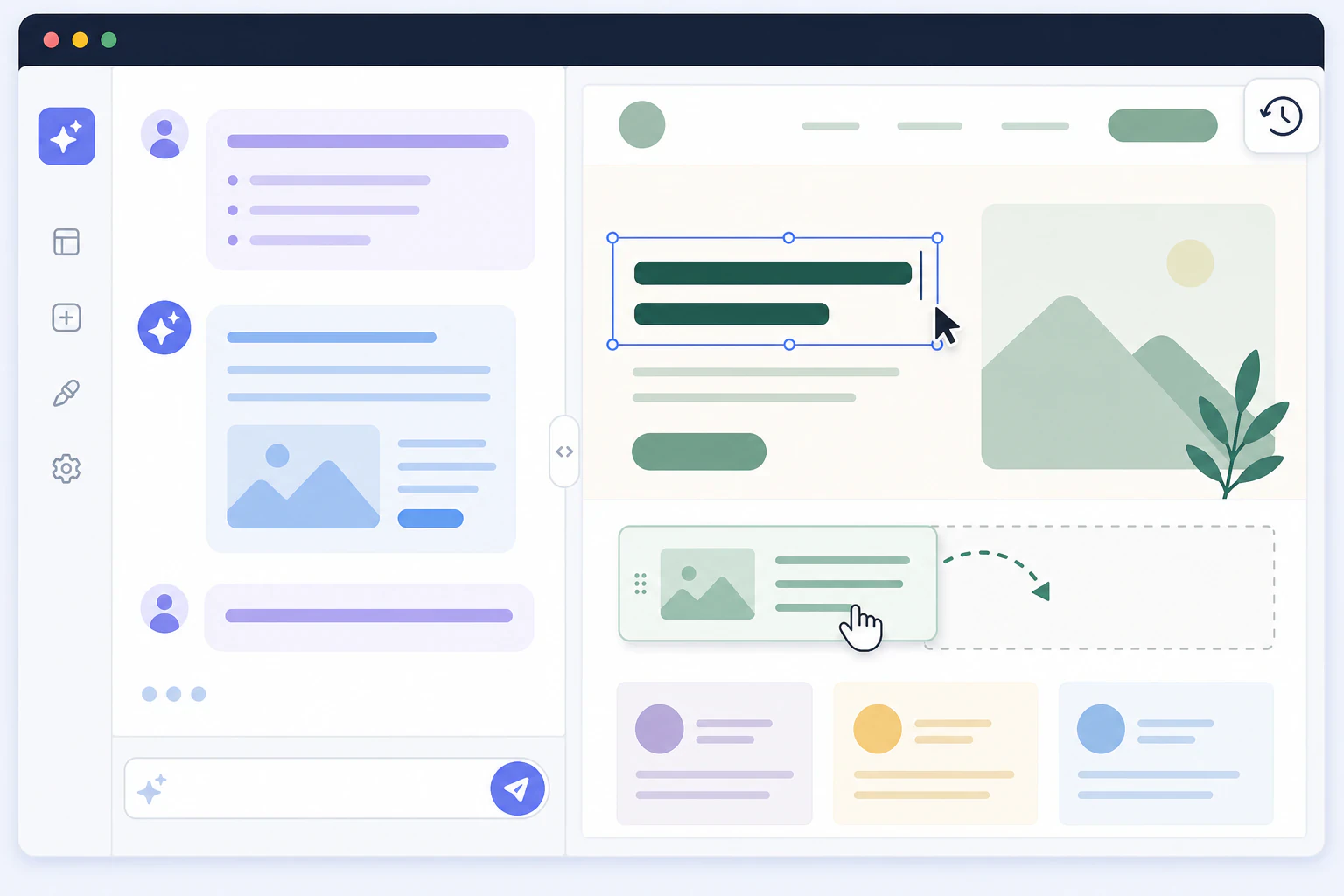
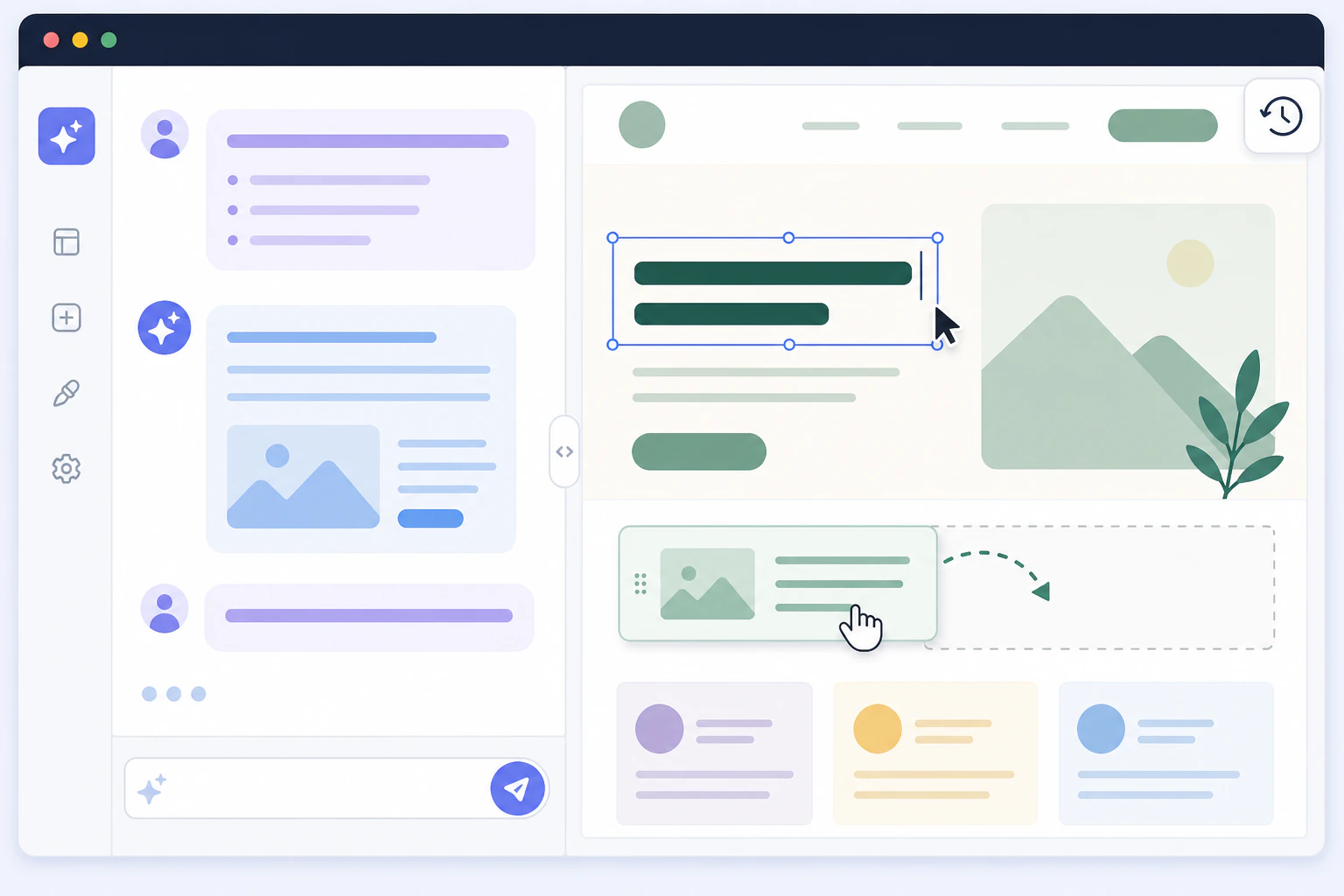
Yes, you can edit your website by asking, if the site can hear you.
You want the headline on your homepage reworded, the phone number moved above the fold, and a booking button added to the services page. You could open a page builder, hunt through nested panels, and do all three by hand. Or you could describe them in a sentence and watch them applied to the live page. That second option is real now, and the honest answer to whether you can edit your website with AI is yes, with one condition: the site has to run on a platform an assistant can actually operate. Devani, the managed CMS running this blog, was built for exactly that: you connect your own ChatGPT or Claude and edit content and layout by chatting, inside the builder.
Rewrite and restructure the words
The mature part. Reword a heading, shift the tone from stiff to plain, translate a page, fix the awkward paragraph you've been avoiding, expand a thin service description into three. You describe the change in ordinary language and the copy comes back edited in place, no retyping. Almost every builder with an AI feature can do at least this much today.
Change the layout, not only the text
This is the harder part, and the one that separates real AI editing from a fancy rewrite button. Move the contact block above the gallery, recolor the header, tighten the spacing on mobile, add a two-column pricing section, drop in a booking button. Touching structure means the assistant has to speak your builder's language, and most can't. Devani's pages are plain HTML, so the assistant writes the change and it lands in the visual editor.
Snapshot every change, roll back in one click
Letting an assistant touch a live site is only reasonable if a wrong move costs you nothing. Every edit Devani makes is snapshotted before it lands, so an experiment you dislike is one click from gone. That's what makes it safe to ask for something ambitious on a page real visitors are looking at, rather than cloning a staging copy first and merging later.
Bring the AI you already pay for
No new subscription, no API keys, no copy-paste dance between a chat window and an editor. Devani connects to your existing ChatGPT or Claude account over MCP, the open protocol assistants use to operate real tools. The model you already talk to becomes the thing editing your site, working with the builder rather than shouting instructions at it from the outside.
The line that decides everything is whether the assistant works inside your builder, or only alongside it.
Whether it works depends entirely on your platform.
AI editing splits cleanly into two layers, and confusing them is why so many people try it, get a rewritten paragraph, and conclude AI can't really edit a site.
The first layer is content: the words and images on the page. Wix's Aria, Squarespace's editor, and WordPress.com's assistant all handle this well now. You highlight a block, describe what you want, and the text comes back changed. Useful, and genuinely time-saving. But it is the layer almost everyone can do, because editing text is a small, contained task that doesn't require the assistant to understand how the page is built.
The second layer is layout: the structure itself. Moving sections, adding a new component, changing the grid, restyling a header. This is where the field thins out fast, because the assistant now has to write into the format your builder actually stores. WordPress.com shipped an MCP integration and the Vibe AI plugin arrived by mid-2026, with tools like WebsitePublisher.ai and ChilledSites in the same space, so connecting an assistant to WordPress is no longer exotic. Both work well inside the block editor, though. On a Divi or Elementor build, which is a large share of real WordPress sites, the assistant can't reliably produce the page builder's shortcodes, or it runs out of context trying, so what you get is AI-written content dropped into the standard HTML editor rather than an edited builder. That's the difference between an assistant that lives inside the builder and one bolted on beside it.
Editing a live site by chat, step by step.
- Connect your assistant once. On an MCP-native platform you link your own ChatGPT or Claude account to the site. No API keys to generate, no separate AI seat to buy. After the first handshake the assistant can see and act on your pages.
- Describe the change in plain language. "Reword the hero to lead with the guarantee." "Move the phone number into the header." "Add a three-item pricing table under the services section." "Make the call-to-action button easier to find on mobile." You're giving instructions, not filling in fields.
- Watch it land in the editor, not a chat bubble. The edit appears on the actual page in the visual builder, where you can still nudge it by hand. The point of in-builder editing is that the AI and the manual controls share one canvas, so you flow between describing a change and dragging it a few pixels.
- Keep it or roll it back. Every change is snapshotted first. If the recolored header looks worse than you hoped, one click restores the version from thirty seconds ago. This is the step that makes editing the live site sane rather than reckless.
- Publish when it is right. Because the whole site is plain files served from a CDN, there's no cache to fight and no rebuild to wait on. The change is live as soon as you're happy with it.
Two ways an assistant can reach your site, and they aren't the same tool.
Both approaches are legitimate and both are shipping in 2026. The gap is what happens the moment you ask for a layout change instead of a copy change.
AI bolted onto an existing builder
An assistant reaching in from the side, through a plugin or a block-editor hook.
- ✓ Rewrites, retones, and translates copy well, right where you already work
- ✓ Sits on top of a huge, familiar ecosystem you may already run
- × Layout edits usually stop at the block editor's edge
- × On a page-builder theme it can't reliably write the builder's own markup, so structural changes fall back to a raw HTML box
Devani
MCP-native, so the assistant works from inside the builder itself.
- ✓ Edits content and layout, because every page is plain HTML the assistant writes easily and drops straight into the visual editor
- ✓ Connects your own ChatGPT or Claude over MCP, no API keys or extra seat
- ✓ Snapshots and one-click rollback on every change, so letting an assistant touch a live site is low-risk
- × The assistant is a strong editor, not a designer; a pixel-exact bespoke visual still wants a human eye, and the template starting points are fewer than Squarespace's
The failure mode nobody warns you about.
The thing that goes wrong isn't usually a broken page. It's a quietly wrong one. AI-generated and AI-edited pages love to leave placeholder links behind, a "Book now" button pointing at a URL that doesn't exist, a social icon linked to the wrong handle, an internal link to a page you renamed last week. The assistant will happily write confident-looking markup around a detail it invented. So treat AI editing the way you would treat a fast junior helper: brilliant at the tedious eighty percent, worth a thirty-second check on the links, prices, and phone numbers before you call it done.
This is also why the rollback layer matters more than the editing layer. An assistant that can change your site but can't cleanly undo itself is a liability on anything with real traffic. One that snapshots every move turns the whole thing into low-stakes experimentation: ask for the ambitious redesign, look at it on the live page, and reach for the undo if it missed. If you want the wider map of what people mean when they say "AI website builder," from questionnaire generators to bolt-on copy helpers, the guide to AI website builders lays out the whole taxonomy.
Can AI edit an existing website, or only build a new one?
It can edit an existing one, with a caveat about which one. If the site already runs on a platform an assistant can operate, you edit it in place by describing changes. If it lives on a platform the AI can't reach, the common path is a redesign: the AI reads your live pages, extracts your real content (business name, hours, prices, testimonials), and rebuilds the site around it on a platform it can then keep editing. Your content is preserved either way; what changes is whether you're editing the current site or moving to one you can edit going forward.
Can AI change my website's layout, or just the text?
That depends entirely on the platform, and it is the single most important question to ask. Most AI editing features are strong at text and weak or absent at layout. Moving sections, adding components, and restyling structure requires the assistant to write into your builder's actual format, which few can do. A platform whose pages are plain HTML, like Devani, lets the assistant edit layout as readily as copy, because there's no proprietary builder format standing between the model and the page.
Can I use ChatGPT or Claude to edit my site directly?
Yes, on a platform built to accept them. Devani connects your own ChatGPT or Claude account over MCP, the protocol assistants use to operate external tools, so the model you already pay for becomes the one editing your pages, with no API keys and no copy-paste. WordPress.com and the Vibe AI plugin offer their own assistant connections too, which work well inside the block editor but hit limits on page-builder themes. The deciding factor is whether the connection reaches the whole builder or only its text editor.
Is it safe to let AI edit my live website?
It's, provided the platform snapshots changes and lets you roll back in one click. That safety net is what turns editing a live site from reckless into routine: a change you dislike is undone in seconds, not repaired by hand. The real risk isn't a catastrophic break but small invented details, mostly placeholder or wrong links, so give any AI edit a quick check of its links and contact details before you move on.
Does editing a website with AI cost extra?
It varies. Some platforms gate AI editing behind their paid plans or a per-seat AI add-on. Devani has a genuinely free managed tier, then simple flat plans, and it uses the ChatGPT or Claude subscription you already have rather than billing you again for the assistant. So the editing itself adds nothing beyond the AI account you were already paying for.
What can AI not edit well on my website?
Two things, mainly. Anything requiring genuine design judgment, a truly distinctive custom visual or a subtle brand feel, still benefits from a human eye; the assistant is a fast, capable editor, not an art director. And anything the assistant has to guess at, like a link target or a price it wasn't given, is where invented details creep in. Give it clear instructions and real values and it handles the rest well; leave a gap and it will fill it confidently, sometimes wrongly.
Editing a website with AI stopped being a demo and became a normal way to work sometime in the last year. The part worth getting right is the platform underneath it. A copy-rewrite button is nice and nearly universal now; an assistant that can restructure a live page, snapshot the change, and roll it back is a different and rarer thing, and it is the one that actually replaces opening the builder and doing it by hand. That's the bet Devani is built on: pages simple enough for an assistant to edit end to end, your own AI account doing the work, and a safety net under every change.
Change something just by asking.
The fastest way to know whether editing by chat is for you is to try it on a real page and watch the change land. No account juggling, no API keys, no staging copy to merge back.