
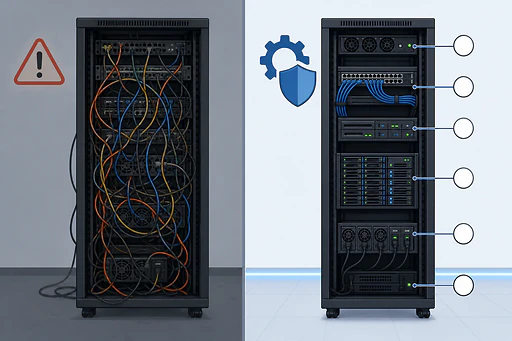
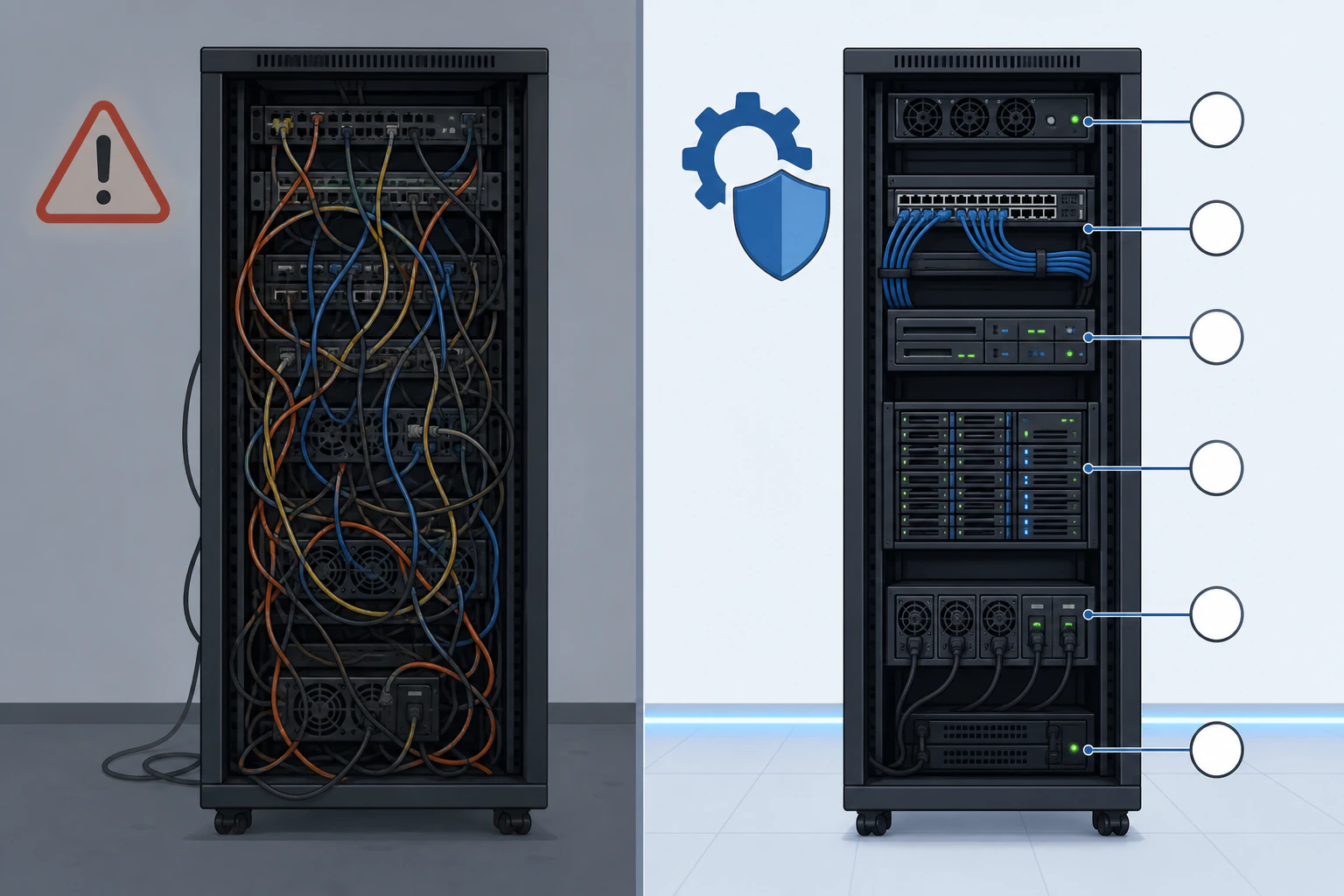
Unmanaged hosting isn't the cheaper option.
The lower number on the invoice is real, but it's only the slice of the bill someone else would otherwise have paid. The rest lands on your calendar: security patches, backups you have to set up and test, and the 2am reboot after a kernel update went sideways. Managed hosting means the provider runs the server for you, so operating-system updates, patching, backups, monitoring, and support are their job. Unmanaged hands you a bare server with full root access and the keys to everything, which is exactly what you want if you know your way around a Linux terminal and exactly the problem if you don't. There's a third framing this comparison usually skips, and it's the one that matters most for most sites: managed hosting that also removes the software layer sitting on top of the server, which is where the real maintenance actually lives. Devani Hosting is that, with a free tier that puts a site live in under a minute.
The jobs a managed host takes off your plate.
Unmanaged hosting is bare metal plus an operating system. Everything below is yours to install, configure, watch, and fix. Managed hosting is the same server with these handed back to the provider.
Setup and provisioning
The web server, the stack, the control panel, the initial hardening. On unmanaged you SSH in and build all of it from a blank operating system. On managed it arrives configured and ready to take traffic.
OS updates and patching
Kernel patches, package updates, PHP version bumps. Someone has to review and apply them on a cadence, because a server that falls behind on security updates is how break-ins happen. Managed hosting owns that cadence. Unmanaged puts the calendar reminder on you.
Backups and restore
Automatic backups you don't have to remember, and a restore path that actually works when you need it. On unmanaged, a backup strategy is a project you own, and an untested backup is not a backup.
Security and monitoring
Firewall rules, SSL certificates, malware scanning, DDoS mitigation, intrusion detection, and something watching the box around the clock. On unmanaged that whole stack is yours to assemble and keep current.
Uptime and tuning
Caching, resource limits, and performance tuning so the site stays fast under load, plus someone paged when it goes down. Unmanaged uptime is whatever you configure and however fast you notice.
Support that fixes servers
A team you can reach when something at the server level breaks, not just a status page. Unmanaged support usually stops at "the hardware is up," and everything above the hardware is your ticket to file with yourself. For the full breakdown, see what managed hosting includes.
Two ways to rent a server, and one that skips the server admin entirely.
Unmanaged and managed are the same box priced by who does the work. The honest third option changes what "the work" even is.
Unmanaged
The cheapest sticker price, if you're the sysadmin.
- ✓ Full root access: any stack, any config, Docker containers, whatever you want to run
- ✓ Lowest monthly fee, commonly a fraction of the managed rate
- × You own patching, security, backups, monitoring, and every minute of downtime
- × One skipped update is how a server quietly becomes someone else's
Managed
The server handled, the site still yours.
- ✓ Provider runs the OS, patches, backups, security, and support
- ✓ No Linux terminal required; predictable uptime you don't babysit
- × Costs more, commonly 20 to 100 percent above the equivalent unmanaged box
- × Managed server is not a managed site: your CMS, plugins, and themes are still your job to keep current
Devani Hosting
Managed, with nothing stacked on top to patch.
- ✓ Managed server and no plugin stack above it: database-free, so pages are plain files served from a CDN, near 100/100 Lighthouse out of the box
- ✓ A free yoursite.devani.studio subdomain live in under a minute; free tier to start, paid plans add custom domains with managed SSL and more sites
- ✓ Edit it with your own ChatGPT or Claude account over MCP, inside the builder, not a bolt-on chat window
- × Hosts Devani-built sites, not an existing WordPress install you point DNS at
The sticker price is only the part of the bill you can see. Unmanaged hosting bills the rest to your hours and your risk.
Price your time, then read the invoice again.
The comparison tables everywhere put "cheaper" in the unmanaged column, and on the monthly line item that's true. Hosts commonly list unmanaged plans from a dollar or two up to around $100 a month, with managed plans running from roughly $10 into the hundreds. But that gap isn't the price difference, it's the labor difference. On unmanaged, the work managed hosts do is still getting done, or it isn't and you find out the hard way. Someone applies the patches. Someone tests the backups. Someone gets paged at 2am. If that someone is you, the real cost is the sticker price plus the hours, plus the tail risk of the one night it goes wrong while you're asleep.
Here's the part both columns miss. Managed hosting takes the server off your plate, but on a typical WordPress build the server was never the hard part. The maintenance that actually eats afternoons lives one floor up: plugin updates, theme conflicts, a security patch for a component you forgot was installed. A managed host keeps the operating system current and still hands you every one of those. That's the layer Devani Hosting removes. Database-free means there's no plugin marketplace stacked on top, so there's nothing up there to patch, conflict, or go stale, and the same architecture is why the pages are fast by default rather than fast after you tune them. You get the managed-server upside and skip the managed-site chore that managed hosting quietly leaves behind.
The cases where the bare server is the right call.
Unmanaged isn't a trap. It's the correct answer for a specific kind of buyer, and it's worth being honest about who that is.
- You want a bespoke stack. A custom runtime, specific database versions, Docker containers, a message queue, something tuned exactly your way. Root access is the whole point, and a managed layer would only get in the way.
- You already have the skills or the team. If a Linux terminal is home turf, or there's a DevOps engineer on staff whose job this is, you're not paying the managed premium for convenience you don't need.
- You genuinely enjoy running servers. Some people do, and do it well. Configuring and hardening a box is satisfying work when it's a choice, not a 2am obligation you resent.
- The workload isn't a website. An app backend, a batch job, a self-hosted tool: when what you're hosting isn't a site at all, the whole managed-hosting-for-sites question doesn't apply, and unmanaged is simply the right primitive.
Outside those cases, "unmanaged is cheaper" is the assumption that costs people the most, because they buy the low sticker price and inherit a second job they didn't want. If your actual goal is a fast, secure website that stays up without you learning server administration, managed is the honest recommendation, and how much managed should cost is its own question, covered in managed hosting pricing.
The same box, priced by who does the work.
| Option | Typical monthly (USD) | What stays your job |
|---|---|---|
| Unmanaged VPS | $1 to $100 | OS, patching, security, backups, uptime, and the site on top |
| Managed VPS or managed host | $10 to $500+ | The CMS and its plugins and themes on top of the server |
| Devani Hosting (managed) | Free tier; paid plans add custom domains and more sites | Nothing to patch; export your content any time, no lock-in |
Managed's premium is real, and on WordPress it buys you a maintained server with an unmaintained site still bolted on top. Devani Hosting starts free because there's no per-plugin marketplace to monetize and no database to provision, and if you ever want off it, you export the whole thing as HTML, Markdown, or JSON and walk. Self-hosting the same open-source CMS on your own roughly $5-a-month server is always an option too, which is the opposite of the lock-in a low unmanaged price usually leads into.
What is the difference between managed and unmanaged hosting?
With managed hosting the provider runs the server for you: setup, operating-system updates, security patching, backups, monitoring, and support are all their responsibility. With unmanaged hosting you get a bare server with full root access and handle every one of those tasks yourself. The hardware is the same; the difference is entirely who does the ongoing work.
Is managed hosting worth the extra cost?
If your job is running a business or a site rather than running a server, almost always. Managed hosting commonly runs 20 to 100 percent more than the equivalent unmanaged plan, and that premium buys back the hours you'd otherwise spend patching, securing, and monitoring, plus the risk of the night it breaks while you're not watching. It stops being worth it only when you have the skills, the time, and a reason to want full control.
Is unmanaged hosting good for beginners?
Generally no. Unmanaged hosting assumes you're comfortable in a Linux terminal, can configure a web server, and will keep security patches and backups current on your own. Without that, the low monthly price is a false economy: the first missed update or unnoticed outage costs far more than the money saved. Beginners are better served by managed hosting, or by a platform where there's no server to administer in the first place.
Can I switch from unmanaged to managed later?
Yes. Most hosts let you migrate from an unmanaged plan to a managed one, though it usually means moving the site to a new environment rather than flipping a switch. It's a common path: people start on unmanaged to save money, discover the maintenance is a real job, and move to managed once the time cost becomes obvious. Planning for it up front saves a migration later.
Does managed hosting make my site more secure?
At the server level, yes: patching, firewalls, and monitoring are handled by people who do it full time, which closes the most common holes. But a managed server does not secure the software running on it. On a WordPress site, an outdated plugin is still a live risk no server team patches for you. Removing that layer entirely, the way a database-free CMS with no plugin stack does, is a different and quieter kind of security than a managed server alone provides.
Skip the server admin and the software chores.
If the whole managed-versus-unmanaged question is really "how do I get a fast site that stays up without becoming its sysadmin," spin one up on the free managed tier and see how little there is left to maintain.