
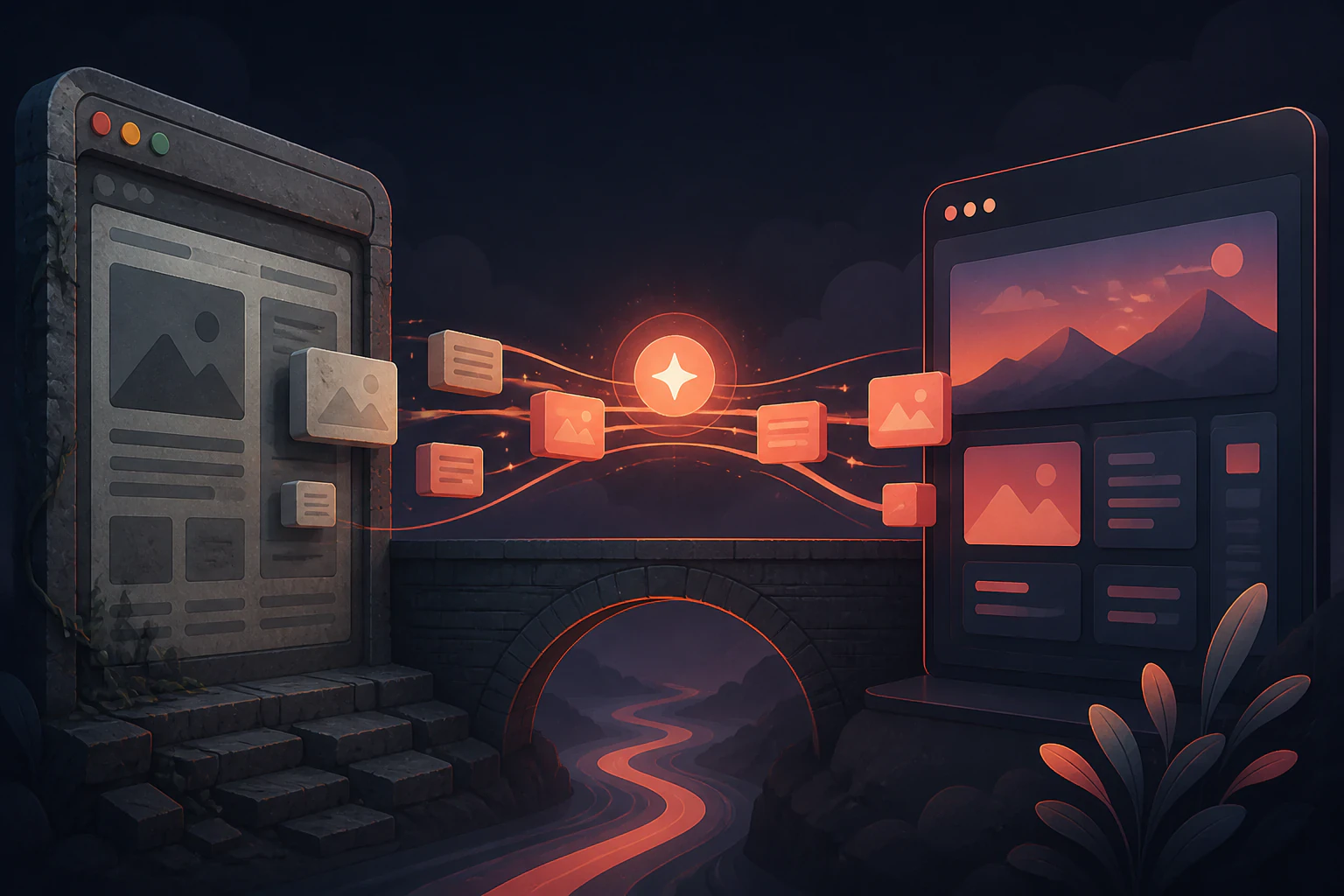
AI does the tedious three-quarters. You still own the last 20 percent.
AI can handle most of a WordPress migration for you: pulling your posts and pages out through the REST API or a WXR export, mapping every old URL to its new home, regenerating templates from your existing layouts, and re-processing images into WebP with alt text written for them. What it can't do is press one button and hand back a pixel-perfect clone. Tools that promise that are quietly recreating the visible result of your plugins, not the plugins themselves, and someone still has to check the last stretch. Set the expectation there and a small site moves in an afternoon, a big one over a weekend, at a token cost closer to a few dollars than the few hundred a developer would quote for the same work. The cleanest version of this is when the AI recreating your content is the same assistant that keeps editing the site afterward, which is exactly how Devani's builder works.
The order that keeps your rankings intact.
Skip the audit and you lose traffic; that's true whether a human or an agent does the moving. Here's the sequence, in the order that matters.
- Export the content first. WordPress hands you everything through its REST API (
/wp-json/wp/v2/) or the classic WXR/XML export under Tools. That JSON or XML is the raw material an AI reads: every post, page, title, slug, category, and the media URLs attached to each. Nothing else in the migration starts until this exists. - Crawl the site and map every URL before you touch anything. Pull the full URL list and run a backlink audit so you know which pages actually carry authority. Any page with real referring domains has to land at the same URL or get a clean 301 to its new one. This spreadsheet, old URL to new URL, is the single most important artifact in the whole move, and AI is good at generating it from a sitemap crawl.
- Recreate the templates and pages with the assistant. Feed the exported content and a screenshot or two of your current layout to the AI and have it rebuild your header, footer, and page templates, then flow the posts into them. This is the step that used to be days of a developer's time and is now a conversation.
- Re-process the media. Download every asset, convert to WebP or AVIF, and generate alt text with a vision model for the images that never had it. This is pure grind and exactly what AI removes.
- Rebuild the plugin-driven pieces as their visible result. A contact form, a gallery, an FAQ accordion: the new platform recreates what the visitor saw, not the plugin that produced it. Anything load-bearing (a booking engine, a membership wall, real ecommerce) needs a deliberate replacement, not an assumption that it carried over.
- Generate the 301s and QA before cutover. Write the redirect file, run Lighthouse on the new pages, click through the internal links, and sweep for the encoding bugs that always appear (more on those below). Verify meta titles, descriptions, and any schema survived the trip.
- Cut over DNS, and keep the old site warm. Point the domain at the new host, but leave the WordPress install running for a week or two so any image path or edge case you missed still resolves while search engines re-crawl.
The parts that used to be a developer's whole afternoon.
Content extraction and cleanup
An agent reads the REST API or XML export, normalizes inconsistent formatting across years of posts, and re-links assets to their new paths. A 15-year-old archive of tens of thousands of files is where this stops being a nicety and starts being the only sane way to do it.
URL mapping and 301 generation
Feed the AI the old sitemap and the new URL structure and it produces the redirect map for you, in the format your new host wants (a _redirects file, an nginx block, a redirect table). This is the work that protects your rankings, and it's the work people most often skip when they do it manually.
Template and component recreation
Given your current layout, an assistant rebuilds the reusable pieces, header, footer, card grids, and converts old inline styles into clean modern CSS. It gets you to a working draft fast; it will not be a perfect replica, which is the right place to spend your own attention.
Media processing and alt text
Bulk download, compress to WebP or AVIF, and write alt text with a vision model for every image that shipped without it. Tedious, mechanical, and exactly the kind of pass a model does in minutes that no one ever gets around to by hand.
Clone the original exactly and you get an 80 percent replica. The remaining fifth is judgment, and that part is still yours.
What breaks after the move, not during it.
The migration itself rarely fails loudly. The damage shows up a week later, and it's almost always one of a handful of predictable things. Worth knowing before you start rather than after.
Redirecting everything to the homepage. The single most expensive mistake. Google reads a redirect to an unrelated page as a soft 404 and passes almost none of the old page's authority. A retired pricing URL redirects to the new pricing URL, not to /. Every URL that changes needs its own specific 301, which is exactly why the mapping spreadsheet comes before anything else.
Skipping the backlink audit. Nearly every migration that bleeds traffic traces back to a thin or absent audit. If twenty external sites link to one old URL, that authority either stays at that URL or rides a clean redirect somewhere relevant. Miss it and you've thrown away links you can never get re-issued.
HTML entity and encoding bugs. WordPress pre-escapes entities in its REST output, and a stricter new platform will happily re-escape them, so an ampersand comes back double-escaped across a few hundred posts. Generic image filenames like image-1.png collide and overwrite each other across articles. Old theme CSS that assumed a wide container overflows on a modern grid. None of these are fatal, but all of them need a QA sweep before you cut over, not after.
Assuming plugin behavior came along. It didn't. The AI recreated the look of your contact form; it did not wire up where the submissions go. WooCommerce needs a real payment path on the other side. Confirm the interactive pieces actually work, don't just confirm they look right.
The platform decides whether the AI ever leaves.
Two honest shapes of AI migration, and the difference is what happens the day after launch. One hands you a finished site in a tool you now depend on. The other hands you a site your own AI can keep editing.
Scan-and-clone AI tools
Point at a URL, get a first draft, fast.
- ✓ No export legwork: you paste your live URL and it crawls the site for you
- ✓ Genuinely quick to a rough first version, minutes to an hour for most sites
- × The output lives in that vendor's proprietary editor, so you've swapped one platform dependency for another
- × A custom domain and the real transfer usually sit behind a paid plan
Devani
Your own AI recreates it, then never leaves.
- ✓ You connect your existing ChatGPT or Claude account over MCP (no API keys) and it recreates your exported pages, posts, and metadata straight into the visual builder
- ✓ Output is plain static HTML on a CDN: database-free, so ~100/100 Lighthouse and sub-second loads out of the box, not something you tune later
- ✓ Fully managed with a genuinely free tier, then simple flat plans; go live in under a minute with hosting, SSL, and backups handled, and the AI that migrates the site is the one that edits it forever
- × No one-click migrator by design: a 500-post archive is real work, and a site built around one load-bearing WordPress plugin should weigh staying put
On the AI itself, be precise, because WordPress is catching up here. WordPress.com shipped an MCP integration and the Vibe AI plugin landed by mid-2026, so connecting an assistant to WordPress is no longer exotic. Both work well only inside the block editor, though. On a Divi or Elementor build the assistant can't reliably produce the builder's shortcodes, so you get AI-written content dropped into the standard HTML editor rather than a builder. Devani is MCP-native and the assistant works hand in hand with the visual builder, because its pages are plain HTML a model writes easily. That's the difference between an AI editing inside the builder and one working alongside it, and on a migration it means the tool that rebuilds your site is the same tool you use to change a headline six months from now.
What the move actually runs, by who does it.
The numbers vary wildly by approach, and the cheap-and-fast options are real now in a way they weren't two years ago. One documented case moved a 15-year-old site of 59,720 files and 45 plugins for about $4 in tokens over roughly seven hours of agent runtime, against the $100 to $300 and 8 to 12 hours a developer would have charged for the same host move.
| Approach | Typical time | Typical cost (USD) |
|---|---|---|
| Freelance developer | 8 to 12 hours for a mid-size site | $100 to $300 for a host move, more to re-platform |
| Full-service migration agency | Weeks to a couple of months | Into the thousands |
| DIY with a coding agent | An afternoon to a weekend | A few dollars in tokens, plus your time |
| Scan-and-clone SaaS | Minutes to hours for a first draft | Free tier, then a monthly plan for a custom domain |
| Devani, AI-recreated | 10 to 15 minutes per rebuilt page with the assistant | Free managed tier, then simple flat plans |
The token cost is the eye-catching number, but it's not the real saving. The real saving is the hours: the content extraction, the redirect mapping, the image processing, and the first-draft rebuild all collapse from a developer's billable day into a session you can run yourself. If you're still deciding whether to go at all, what actually happens when you leave WordPress walks through the parts that surprise people, and the WordPress alternatives worth considering covers where the field stands once you're out.
Can AI migrate a WordPress site automatically?
Mostly, not entirely. AI reliably handles content export, URL mapping and 301 generation, template recreation, and media processing, which is the bulk of the labor. It can't perfectly reproduce plugin behavior or guarantee a pixel-exact clone, so plan on a QA pass and some manual finishing on the last 20 percent. "One click and done" is marketing; "most of the grind, automated" is accurate.
Will I lose my SEO rankings when I move off WordPress?
Only if you skip the redirects. Rankings are tied to URLs, so every URL that changes needs its own 301 to the specific new page it replaces, never a blanket redirect to the homepage. Do the backlink audit first, preserve your meta tags and schema, keep your content intact, and recovery usually begins within weeks. Most lost-traffic migrations trace back to a skipped audit, not to the move itself.
How much does an AI WordPress migration cost?
If you drive an AI agent yourself, the token cost is often just a few dollars, one documented large-site move ran about $4, against the $100 to $300 a developer typically charges for a host move and the thousands a full-service agency quotes. On Devani specifically there's a genuinely free managed tier, so a rebuilt site can go live at no cost, then simple flat plans as you grow.
Can AI recreate my WordPress plugins?
It recreates what visitors saw, not the plugin underneath. A contact form, gallery, or FAQ block comes back as its visible result on the new platform. Anything load-bearing, a booking system, a membership wall, deep ecommerce, needs a deliberate replacement and a check that it actually functions, not just that it looks the same. If one specific, irreplaceable plugin is the reason your site exists, that's a genuine reason to stay on WordPress.
Do I need to keep my WordPress site running during the migration?
Yes, until you've verified the new site and pointed DNS. Keep the old install live for a week or two after cutover as well, so any image path or edge case you missed still resolves while search engines re-crawl the new URLs. Take it down only once your logs and Search Console show the new site being crawled cleanly.
The honest summary: AI has turned the mechanical bulk of a WordPress migration, the export, the redirect map, the media, the first-draft rebuild, into an afternoon's work for the price of a coffee. What it hasn't removed is judgment: the QA sweep and the call about what your interactive pieces should actually do on the other side. Get those right and the move is low-drama. If you'd rather the AI keep working after launch than hand you off to a proprietary editor, that's the case for a builder the assistant lives inside. For the wider view, the state of AI website builders is the companion read.
Try the rebuild on one page first.
Export a single WordPress post, connect your own ChatGPT or Claude, and watch it come back as a fast static page. That one test tells you more than any migration guide can.