

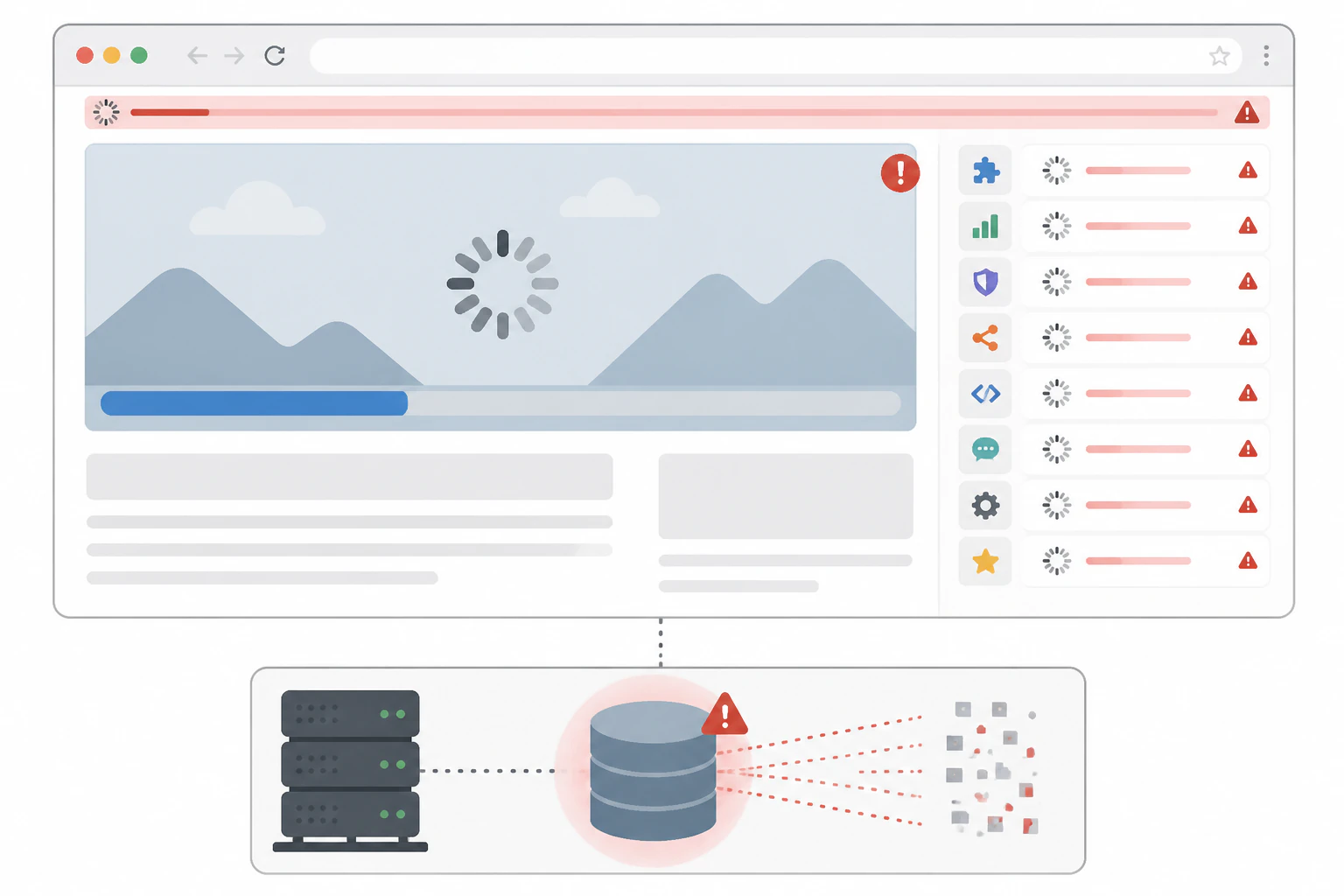
A slow WordPress site is almost never one problem. It is four or five ordinary things compounding on top of hosting that was never built to absorb any of them.
WordPress slowness is a stack of small problems, not one setting to flip.
A heavy theme, too many plugins, unoptimized images, no real caching, and cheap hosting underneath all of it. Each one might cost half a second on its own. Stacked together on shared hosting, they add up to the multi-second load times that make a visitor leave before the page finishes rendering. So the fix is rarely one change, it is working down a list in the order that actually finds the damage. The causes repeat with almost boring consistency from one site to the next; what varies is which combination is hitting a given site hardest. Below is that list, then the honest limit of what better hosting can and cannot fix, and where a managed platform like Devani Hosting sidesteps the whole shape by not carrying a database, a theme framework, and a plugin stack in the first place.
What is eating the load time, checked in the order I would check it.
- Oversized images, usually the single biggest line item. A photo straight off a phone or a stock library is often two to five megabytes, uncompressed, at dimensions far larger than the space it is shown in. Multiply that across a homepage with six or eight images and you are shipping tens of megabytes before the page does anything else. The fix in principle is simple: resize to the displayed dimensions, compress, and serve modern formats like WebP. What is hard is doing it for every image, every time, months after launch when nobody is thinking about it.
- Too many plugins, and the wrong kind of heavy. Each plugin adds its own CSS and JavaScript to the page whether or not that page uses the feature, plus server-side work on every request. Two or three plugins barely register. Twenty-five, a normal count for a small business that added a form plugin, an SEO plugin, a security plugin, a few marketing integrations, and a page builder over a few years, is meaningfully more work on every load. That same pile of code is also where most of WordPress's actual security risk concentrates, so a heavy plugin list is rarely just a speed problem.
- No caching and no CDN. By default WordPress runs PHP and queries the database to assemble every page from scratch, for every visitor. A caching plugin generates a static copy once and serves that to everyone after, a dramatic difference in server response time. Sites with no caching configured at all are shockingly common, especially ones a freelancer built once and nobody has touched since. A CDN layered on top serves images and static files from a server near the visitor rather than one data center across the country. Skipping both is one of the most fixable causes there is, and one of the easiest to check.
- Render-blocking scripts and a theme that ships too much. Even with images optimized and caching on, the browser can be stuck downloading and running a pile of CSS and JavaScript before it paints anything. That is what "render-blocking" means in a PageSpeed report, and every plugin and theme component adds another one of those resources. A heavy theme, especially one built on a page-builder framework, ships its own large bundles on top of whatever the plugins load. Minifying, combining, and deferring the non-critical files is the fix, and also one of the more common places a well-intentioned optimization breaks something else.
- Database bloat you never see. WordPress keeps post revisions, spam comments, expired transients, and orphaned metadata indefinitely unless something cleans them out. None of it shows on the front end, so it is easy to forget, but a database with years of cruft answers queries measurably slower than a clean one. On an older, actively edited site this compounds with the theme and plugin load rather than being separate. It is a good example of what ongoing WordPress maintenance actually involves beyond clicking "update": cleanup with no deadline that nobody notices until it is years overdue.
Start with a real diagnostic, not a guess.
Run the site through Google PageSpeed Insights, or GTmetrix, or Pingdom, they all measure similar things, and read the actual breakdown rather than the headline score. These tools name the specific culprits: oversized images, missing caching headers, slow server response time, render-blocking scripts, and how much time each one costs. Run it on a real page, not just the homepage, because a product page or a blog post can behave very differently from a landing page that got extra attention during the build. And run it cold, a genuinely fresh visit rather than a repeat load after the browser has already cached half the page, because a cold first visit is what most of your actual traffic experiences.
One honest concession while you are auditing plugins. The heaviest single offender is usually the page builder itself: Elementor, Divi, Beaver Builder, and similar tools generate far more markup and load more of their own CSS and JavaScript than a page built directly in a lean theme. That is the tradeoff for the visual flexibility, and it is a real one. A page builder is genuinely useful for a team that needs to change layouts without a developer. It is also, reliably, one of the heaviest things you can put on a WordPress page.
Moving a bloated site to excellent hosting improves things on the margin. It does not turn a slow site into a fast one.
Cheap hosting caps everything else you fix.
The quality of the hosting underneath all of this sets a ceiling on how much the rest can help. Budget shared hosting packs a huge number of accounts onto one physical server with minimal resource isolation, so your server response time is at the mercy of whatever every other account on that box happens to be doing. You can optimize every image, install a caching plugin, and clean the database, and still be capped because a hundred other sites are competing for the same limited resources.
This is where it is easy to oversell the fix in the other direction, so here is the honest version. Moving a bloated site to better, managed hosting genuinely helps the server-response-time piece, sometimes substantially. It does not fix a bloated page. If the theme is heavy, the plugin count is high, and the images were never optimized, moving that exact site to excellent hosting improves things on the margin without making it fast, because the software on the server is still doing the same amount of work. I have watched businesses upgrade their hosting expecting a speed miracle and get a real, worthwhile, but modest improvement, because the hosting was never the only problem.
Is it possible to build a genuinely fast WordPress site on strong hosting, with a lean theme, a short plugin list, and disciplined image and cache management? Yes, in theory, and I have seen it done well. But it is continuous work fighting the platform's defaults rather than something that happens once and stays fixed, and most real small-business sites, built over years by different people with different priorities, never actually get there. That is not a knock on anyone's effort, it is just where the incentives point when plugins are one click away and nobody is auditing performance every quarter.
If you are keeping the site, the sequence matters as much as the list.
Work down the causes in roughly the order the damage tends to sit, biggest and easiest win first, hosting last because it is the thing everything else has to be lean enough to benefit from.
1. Images first
Resize to displayed dimensions, compress, and convert to WebP. Usually the single biggest and easiest win, so it goes first. Do it for the whole library, not just the homepage.
2. Audit plugins
Deactivate one at a time, reload after each, and see what each actually costs. Keep only what earns its place. The page builder is usually the heaviest single item.
3. Caching and CDN
Confirm both are actually configured, not just installed and forgotten. Caching serves a static copy instead of rebuilding every page; the CDN serves media from near the visitor.
4. Clean the database
Clear old revisions, spam, and expired transients. Invisible on the front end, but a clean database answers queries faster, and it compounds with everything above it.
5. Then hosting
Only after the site is lean does better hosting pay off, because now the upgrade lifts an efficient site rather than being asked to compensate for everything above it.
The other answer: nothing left to slow down.
Every item on that list is patching around the same underlying shape: a database, plus a theme, plus a stack of plugins, three layers that each cost something on every page load and each tend to grow heavier with age. Devani skips that shape rather than optimizing it. It is database-free, the whole site stored as plain files, so there is no query to slow down and no accumulated revisions or transients to clean out later. Pages render as plain, minimal HTML and cache at the edge automatically, with a CDN handling media by default rather than a plugin someone had to remember to configure. And with no third-party plugin ecosystem sitting on the CMS, there is no growing pile of plugin CSS and JavaScript competing for the same render budget on every page.
No database
Plain files, not queries assembled per request, so there is nothing to slow down and no revisions or transients accumulating to clean out.
Cached at the edge
Server-rendered minimal HTML, cached automatically at the edge. No caching plugin to install, configure, or purge after every change.
Media on a CDN by default
Images auto-compress to WebP and serve from a global CDN out of the box, not as a plugin someone had to remember to wire up.
No plugin stack
No third-party marketplace on the CMS, so there is no growing pile of plugin CSS and JavaScript fighting for the same render budget on every page.
What the difference looks like on a cold first load.
Cold, real first-visit PageSpeed Insights lab tests, the load a real first-time visitor actually gets. The WordPress figures are a genuinely representative unoptimized site, not a worst case, because most sites never reach the lean setup this article just walked through.
| Measure | Typical unoptimized WordPress (cold) | Typical Devani page |
|---|---|---|
| PageSpeed score, desktop | 63 | 100 |
| PageSpeed score, mobile | 47 | 92 |
| First contentful paint, desktop | Well over a second | Around 0.2 seconds |
| First contentful paint, mobile | Stretching toward four seconds | Around 0.9 seconds |
The honest part that matters more than the score: managed hosting, Devani Hosting included, helps the server side of a speed problem. It does not fix a bloated page by itself. What makes Devani fast by default is that there is no bloated page to fix, no database, no plugin stack, no theme framework three layers deep. That is a different kind of answer than "faster servers," and it is why the numbers above hold up regardless of how disciplined any one build happens to be.
Keep the WordPress site and fix it
The right call when the current install is load-bearing.
- ✓ Every plugin, custom theme, integration, and workflow the business already runs on carries straight over, and the fix list above genuinely works when followed
- × Speed is continuous work against the platform's defaults, images, plugins, caching, database, and hosting all staying lean, not a one-time fix that stays fixed
Devani Hosting
Fast because there is no bloated page to fix.
- ✓ Database-free plain files, edge caching and a media CDN by default, no plugin stack to bloat the render budget; a free tier gets a site live in under a minute
- × Hosts sites built on Devani, not an existing slow WordPress install you point new DNS at, and it is a younger, smaller ecosystem than WordPress
The limit matters more than anything above it: this does not take an existing slow WordPress site, point its DNS somewhere new, and speed it up in place. The plugin stack and theme would still be exactly what they are. If the plan is to keep the current site, the fix list earlier in this article is the real path, and it works when followed. Devani is the option for someone open to rebuilding on a platform where the causes on that list mostly are not there to begin with, the same tradeoff covered in more depth in what actually happens when you leave WordPress.
What people ask when a site is crawling.
Why is my WordPress site so slow?
Almost always a combination, not one cause: oversized images, too many plugins, a heavy page-builder theme, no caching or CDN, a bloated database, and cheap shared hosting under all of it. Each costs a fraction of a second on its own; stacked together they produce the multi-second loads visitors bounce from. Run PageSpeed Insights on a real page, cold, and read the named culprits rather than guessing.
Does better hosting fix a slow WordPress site?
Partly. Better, managed hosting genuinely improves server response time, sometimes a lot, but it does not fix a bloated page. If the theme is heavy, the plugin count is high, and the images were never optimized, moving that exact site to excellent hosting gives a real but modest gain, because the software is still doing the same amount of work. Fix the page first, then let the hosting upgrade actually pay off.
What slows a WordPress site down the most?
Unoptimized images are usually the single biggest line item, followed closely by plugin bloat, with the page builder often the heaviest single plugin. After those, missing caching and CDN, render-blocking scripts, database cruft, and underpowered shared hosting. The order to fix them is images, then plugins, then caching and CDN, then the database, then hosting last.
How do I make my WordPress site load faster?
Work down the list in order: resize and compress images to WebP, audit and remove plugins you do not need, confirm a caching plugin and a CDN are actually configured, clean old revisions and spam from the database, then upgrade hosting once the site is lean enough to benefit. Each step is measurable in PageSpeed Insights, so re-test after each rather than changing everything at once.
Can WordPress ever be as fast as a static site?
With a lean theme, a short plugin list, aggressive caching, and strong hosting, a WordPress site can score very well. The catch is that it takes continuous discipline against the platform's defaults, and most real sites drift heavier over time. A database-free platform serves plain files that are already static, so the fast-by-default result does not depend on anyone maintaining that discipline every quarter.
See the numbers on a real page, not in a pitch.
No pressure to migrate anything today. Devani Hosting has a free tier and a site live in under a minute, so you can run PageSpeed on an actual page and see what a database-free, plugin-free site loads like rather than take anyone's word for it.